
Engraving Partitions
Design with Engraving
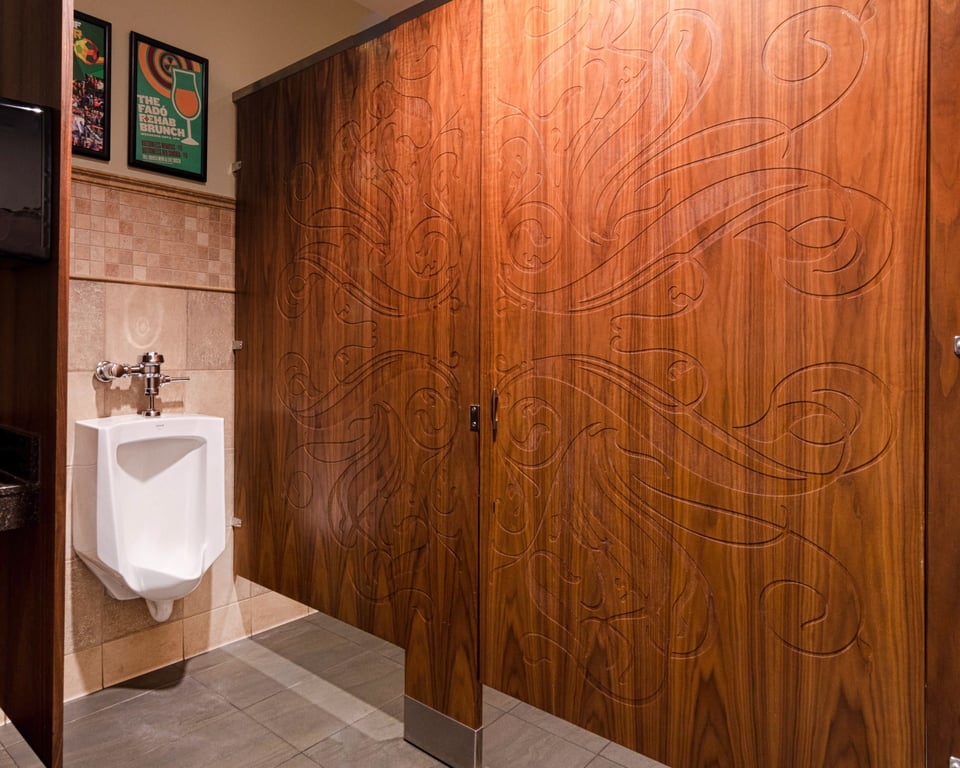
Engraving cuts patterns, logos, or text into the face of a slab door, exposing the layer beneath to add contrast, texture, and branding to the partition.
The Standard Engraving Chart
Standard Engraving Patterns
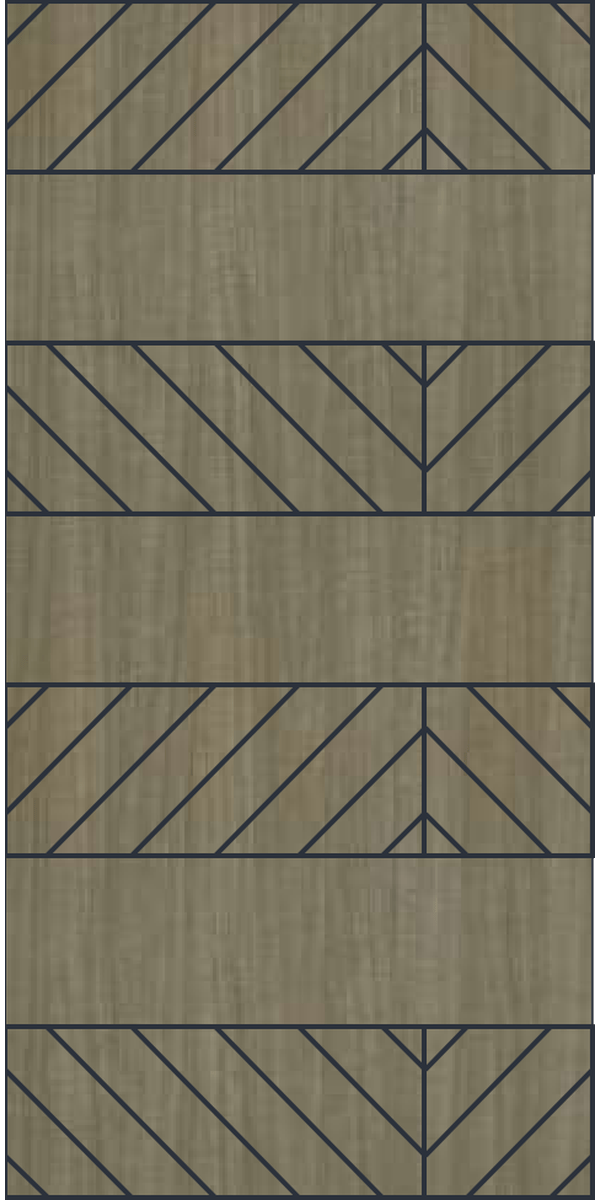
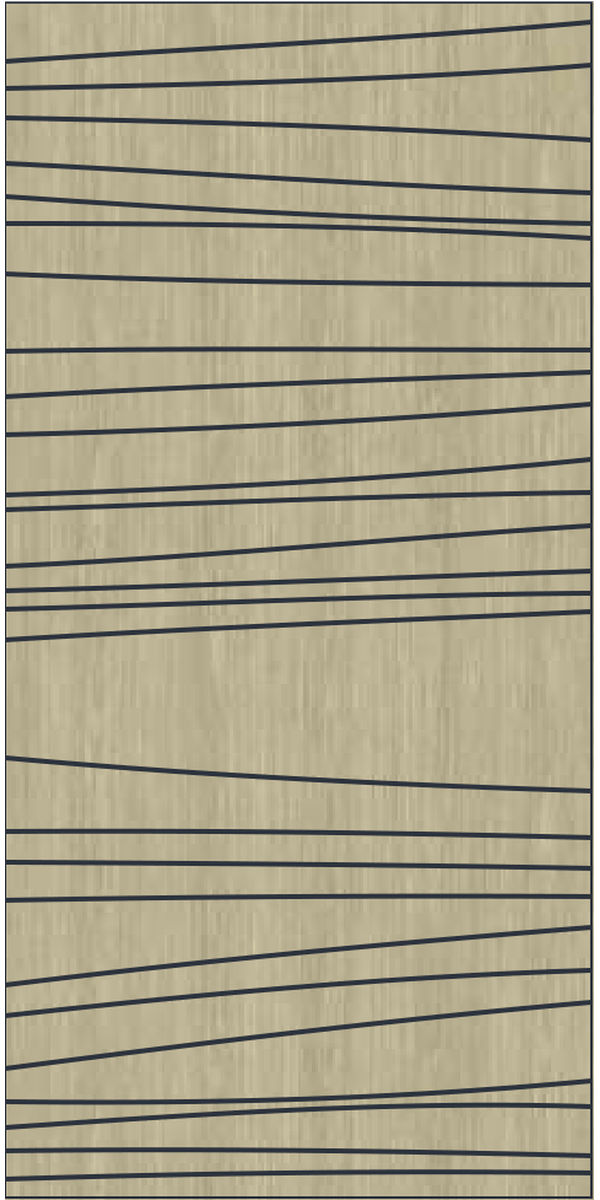
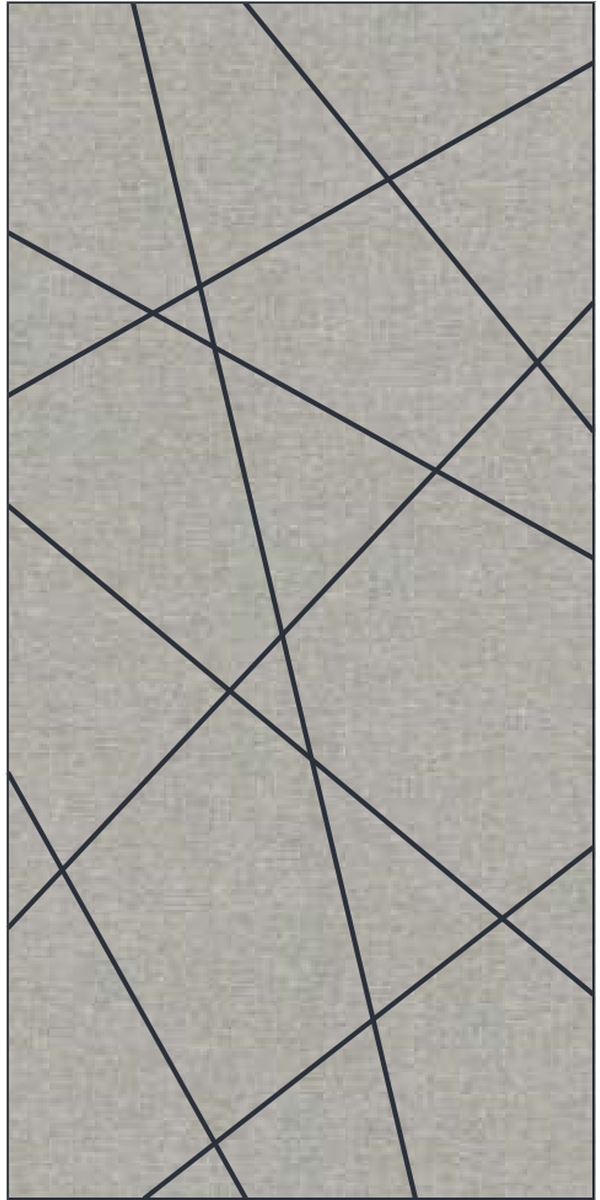
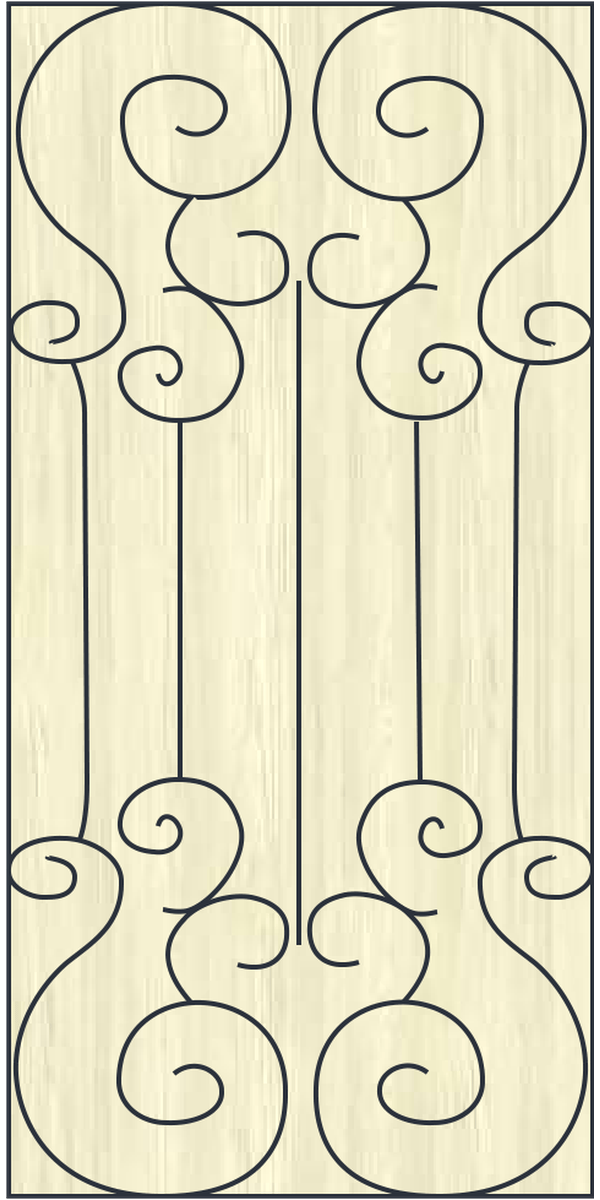
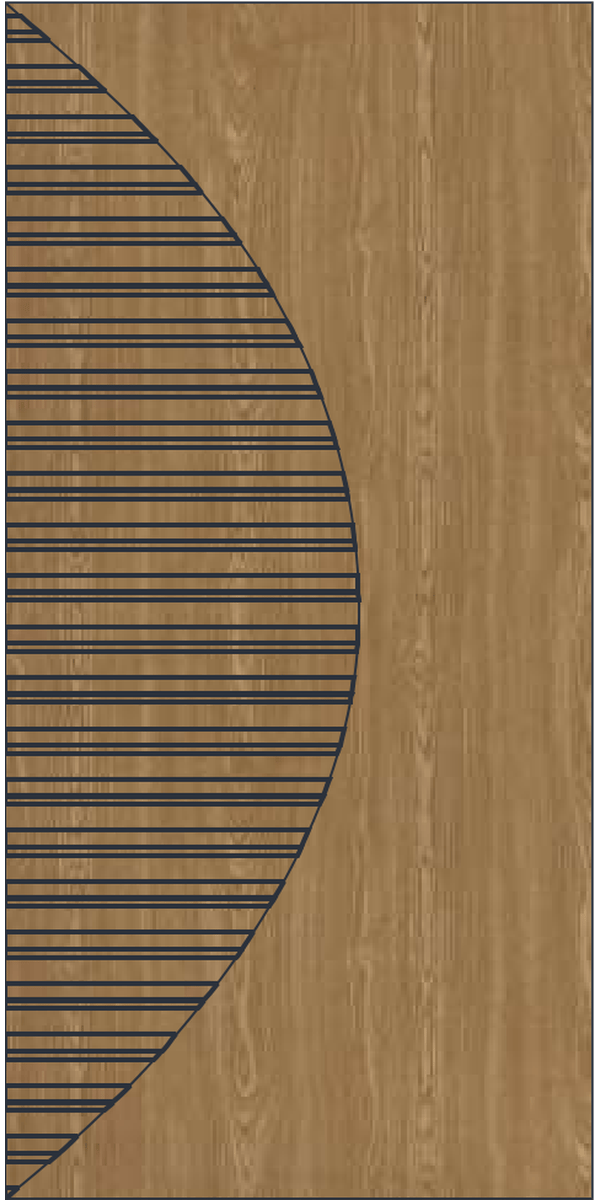
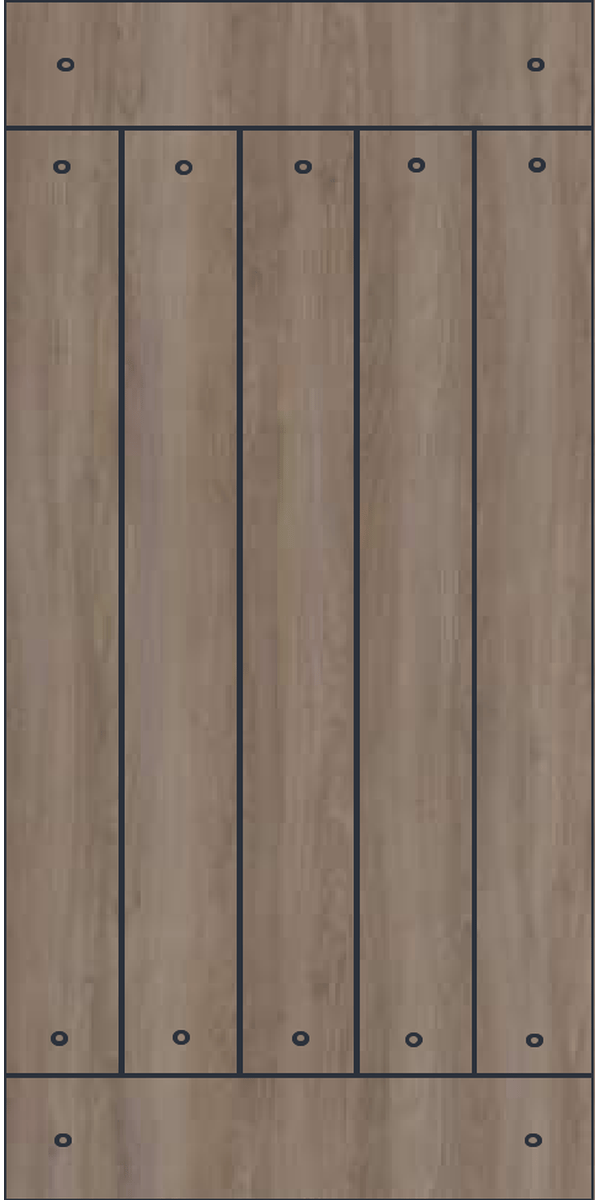
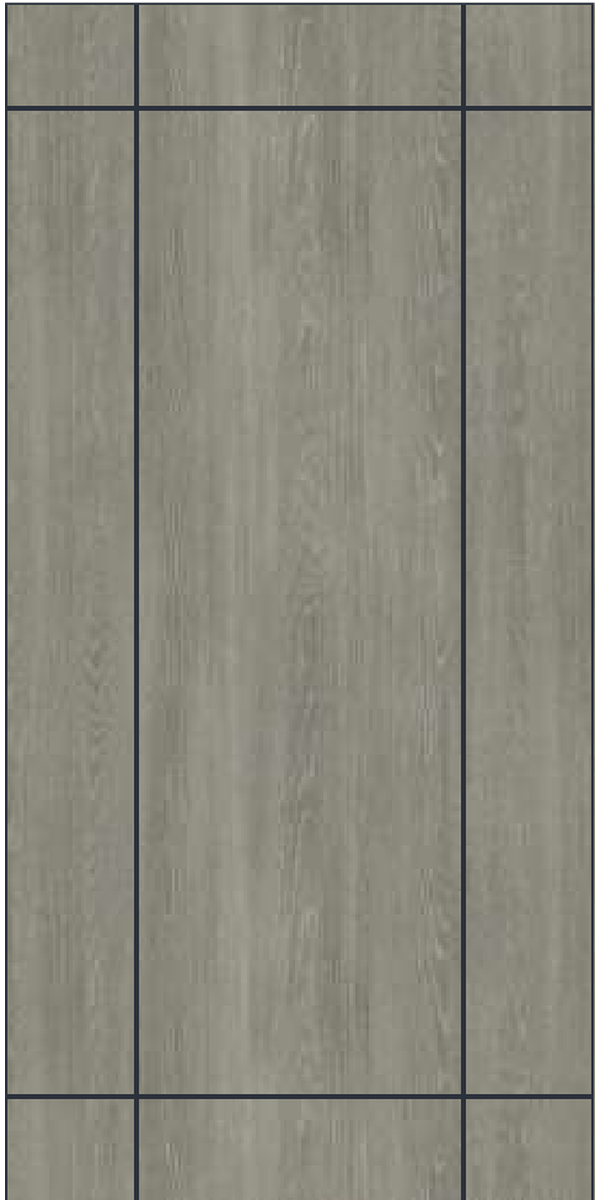
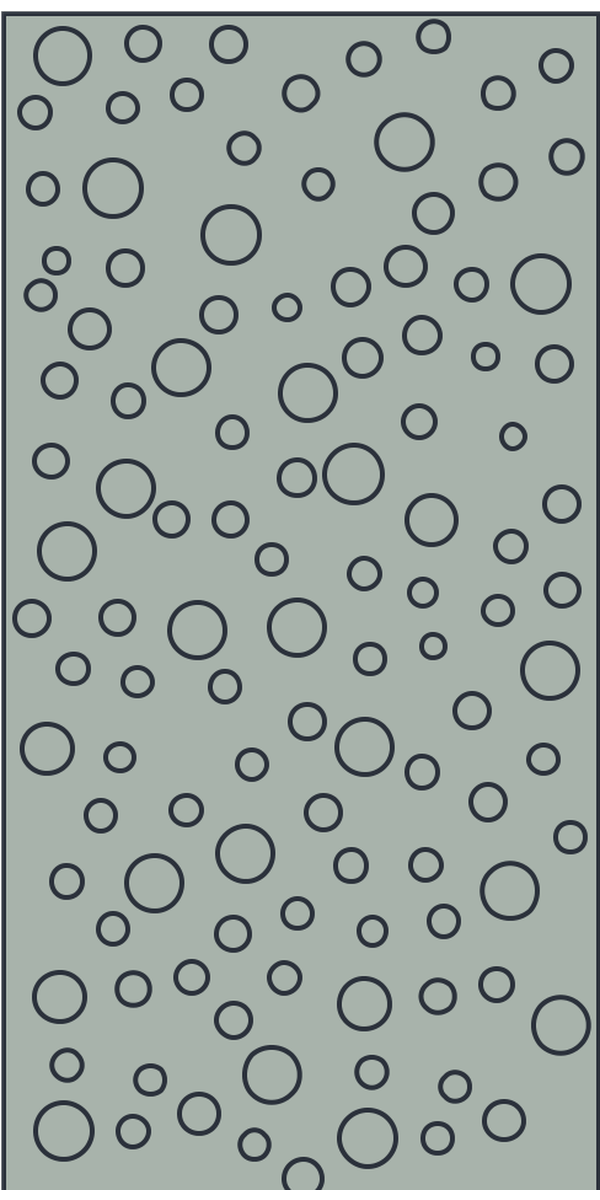
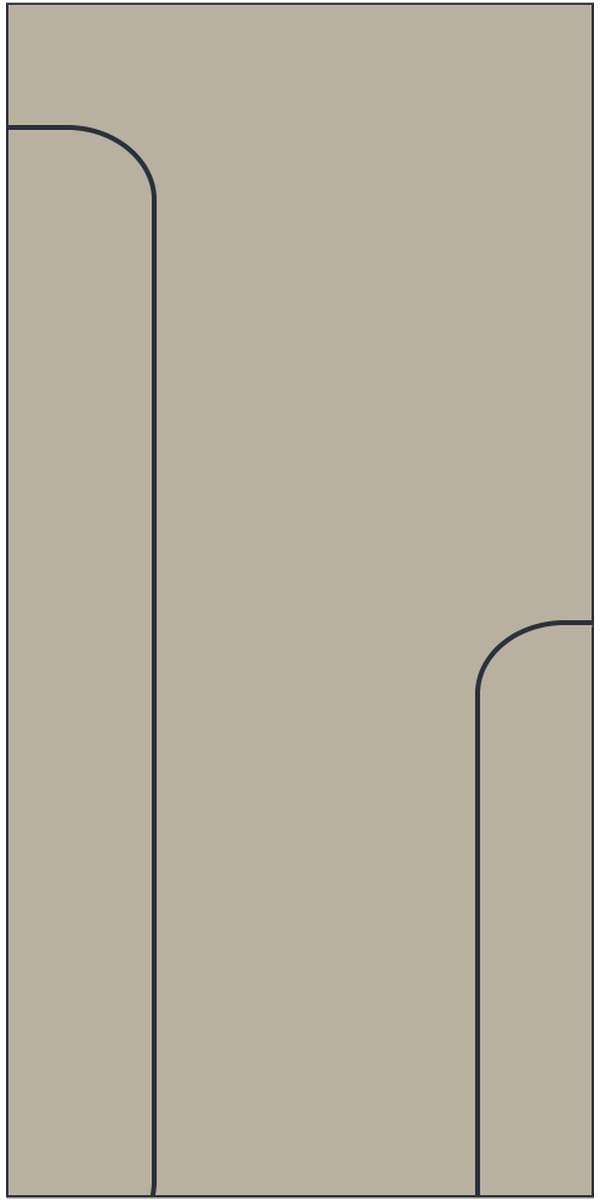
Nine standard engraving patterns, each selected by name with no design file or added programming time.
Definition
What is an Engraving door?
Engraving is a slab door with a design CNC-cut into its decorative surface. The cut exposes the layer beneath, which supplies the contrast, and the engraved areas are not filled, so the design sits just below the face of the door.
Compatibility
What Works with Engraving
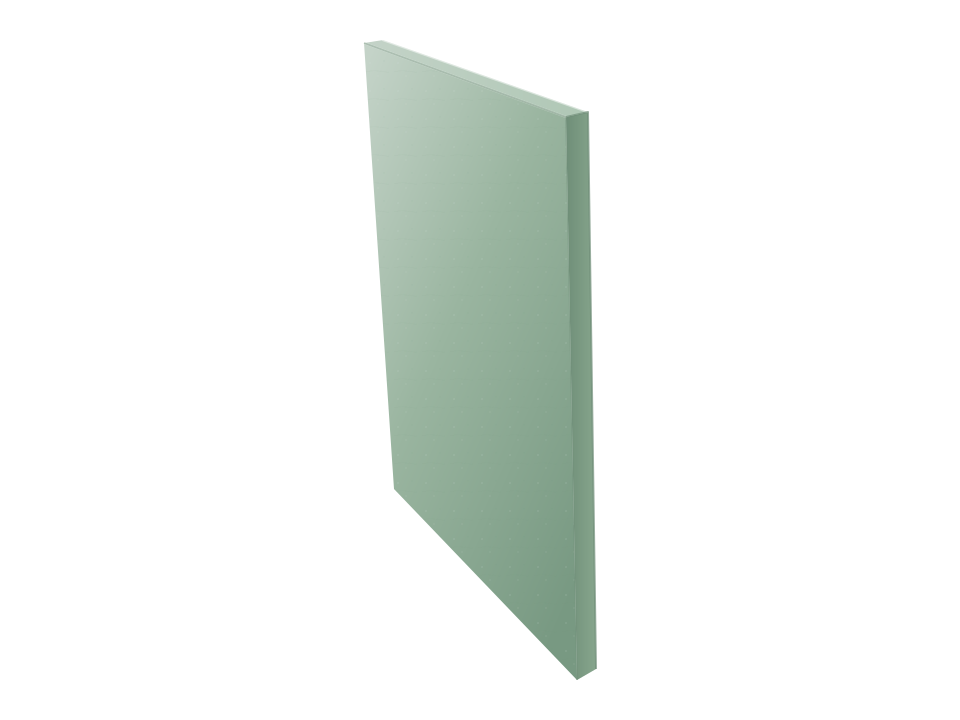
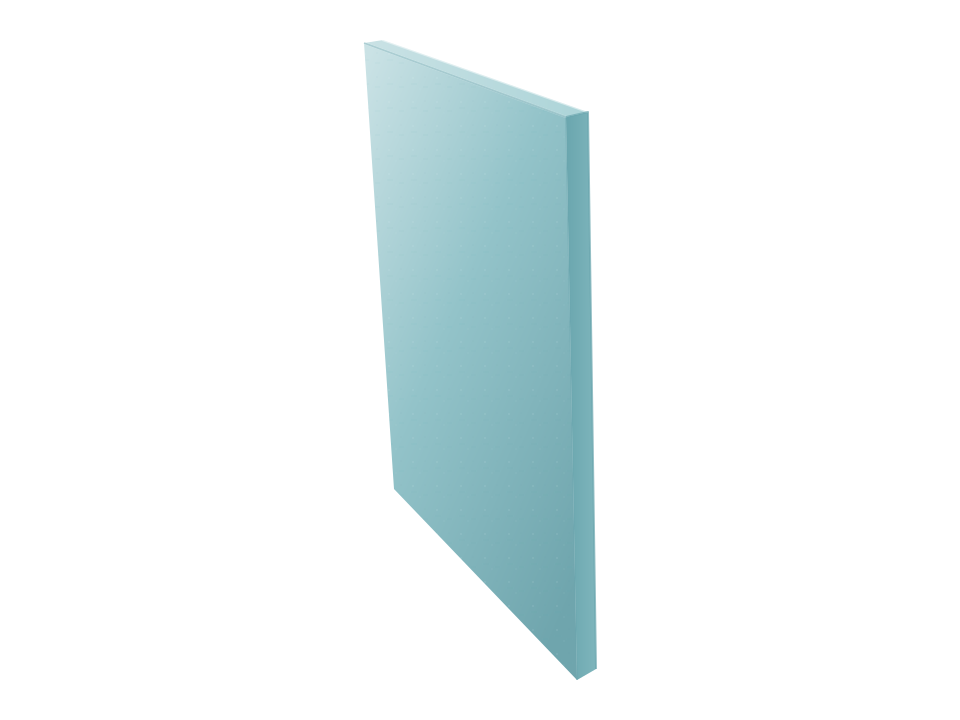
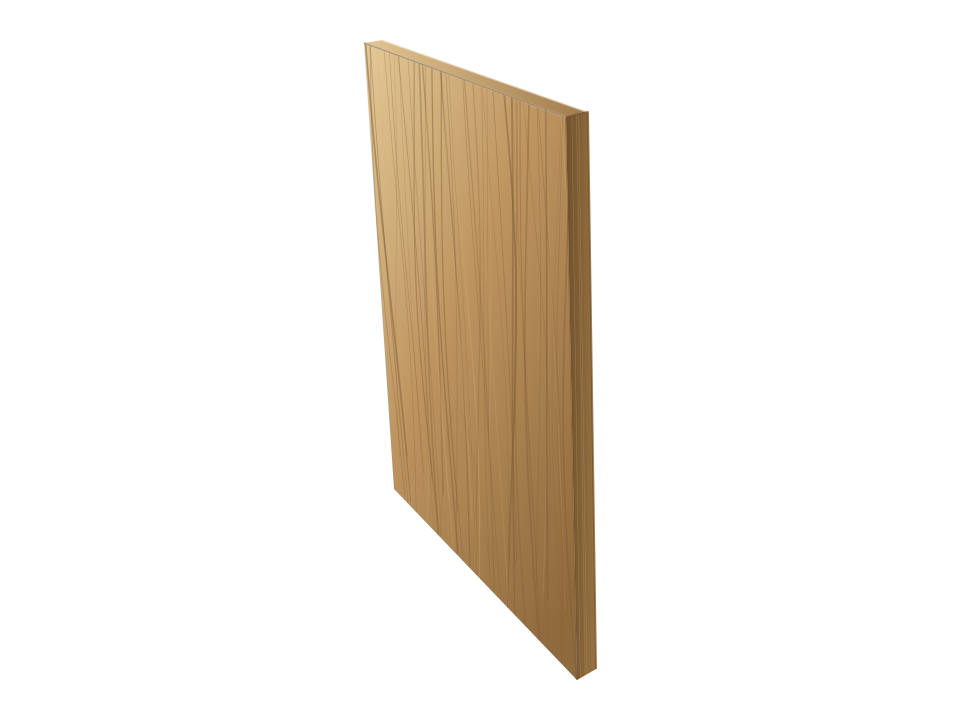
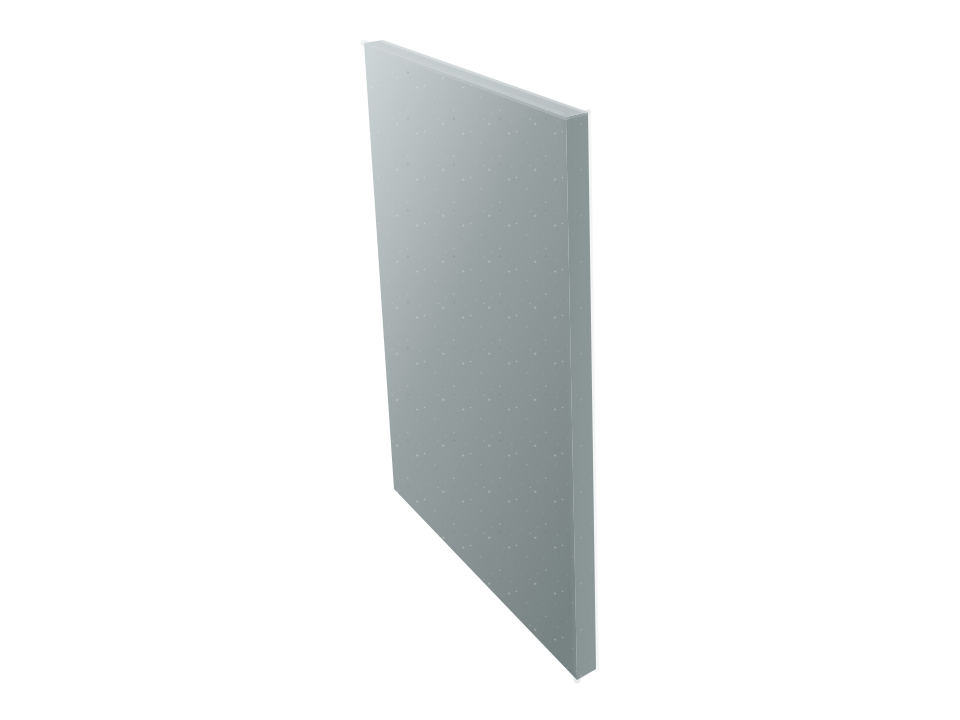
Engraving is available on High Pressure Laminate, Wood Veneer, Compact Laminate, and Solid Surface doors.



Door Selection
Why Choose Engraving
Engraving cuts detail into the face of a door, panel, or pilaster rather than adding trim or a second material. The strengths and considerations below show where it fits and what to account for.
Strengths
Engraving can carry patterns, logos, and text in the partition surface itself. A restroom can reflect a property's identity and gain visual interest without applied signage or added trim.
Engraving is cut into the face of a finished component, at a depth set to preserve core integrity. A slab door keeps the construction, thickness, and maximum height of a Flat Panel door in the same material, and a Captured Panel door carries the design on its insert.
Engraving offers nine standard patterns of line work, from straight and angled lines to scrollwork and fields of circles, each selected by name with no design file or added programming time. Project-specific logos and text are cut the same way when a design calls for its own artwork.
Engraving runs on the front face by default, and both faces are available, so an individual component can carry a design inside the compartment as well as toward the room. A continuous design across adjacent doors, panels, and pilasters is available on the room-facing elevation only.
Considerations
Engraving contrast comes from the layer the cut exposes, so it varies with the material and laminate construction selected. Color-through and color-core laminates and Solid Surface show the design as texture rather than as a contrasting line.
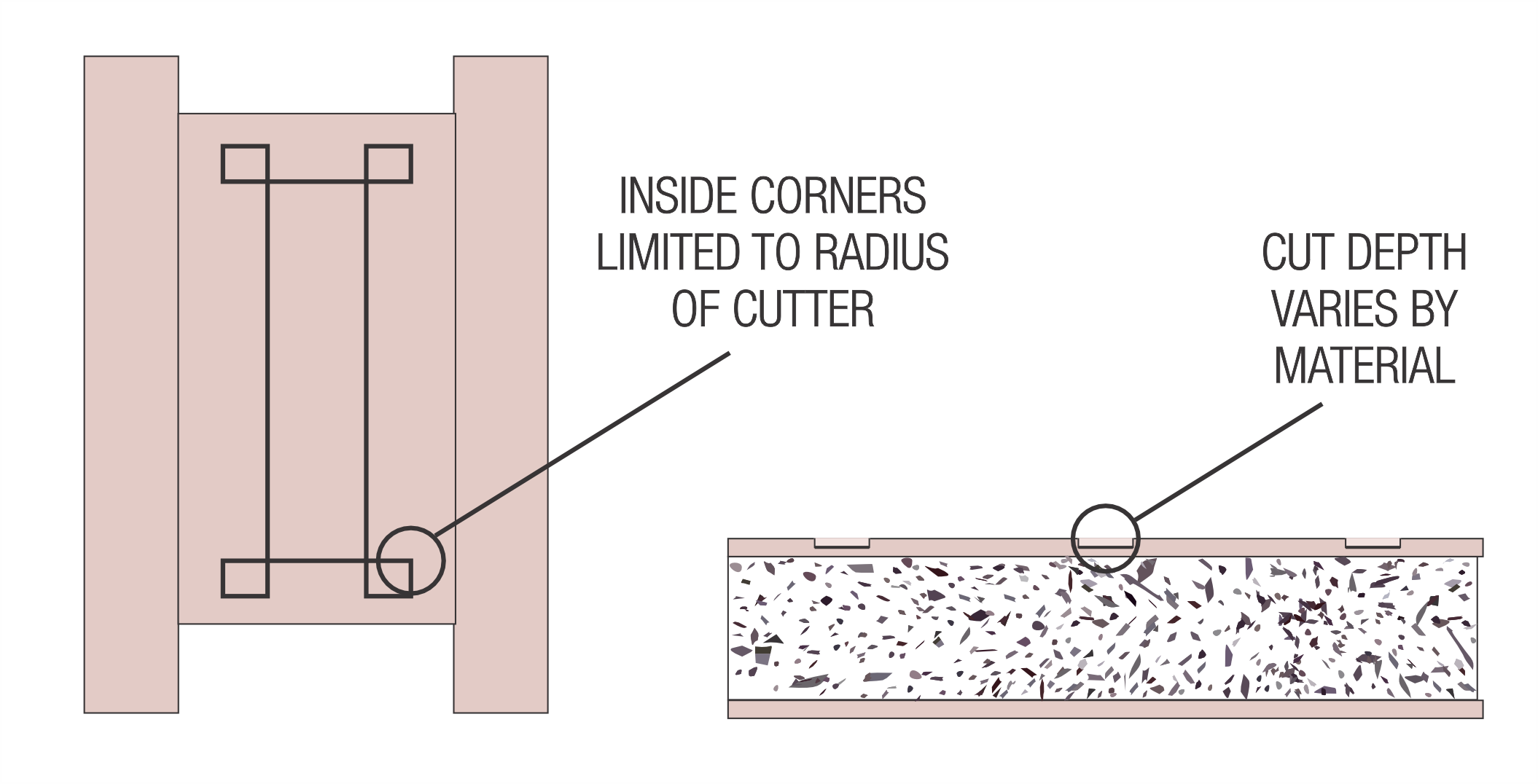
Inside corners are limited by the minimum radius of the cutting tool, and large open areas may show the tooling pattern. Artwork with tight corners or broad cleared fields benefits from review during design development.
Custom engraving requires CNC programming, and intricate artwork or files that need conversion may extend the production schedule. The effect on lead time is best settled when the artwork is selected.
Deeper Dive
Engraving Insights
Slab base and recessed design
The design sits below the face
A CNC machine cuts the design into the decorative surface layer of the component and exposes the layer beneath, which supplies the contrast. The engraved areas are not filled, so the design reads as a recessed line below the component face, and each material finishes the exposed line in its own way.
Cut depth is set to preserve core integrity, so engraving has no structural effect on the door. Engraved doors use standard slab dimensions, with the thickness and maximum height of a Flat Panel door in the same material.
Tooling and the exposed layer
Each material sets its own cut
Cut depth varies by material because each one exposes a different layer. On High Pressure Laminate, a shallow cut reaches the layer beneath the decorative surface without fully penetrating the laminate. Wood Veneer takes a cut of the same depth and reveals the natural wood substrate, and a double-layer veneer is available where a deeper engraving is wanted. Compact Laminate is cut deeper to reach its core, which is black on most products.
Because Solid Surface is uniform in color, the design reads as texture rather than as a contrasting line.
Finishing the exposed layer
The finish sets the line color
Each material finishes the engraved line differently. High Pressure Laminate is sealed after engraving, leaving a dark line. Lighter HPL colors show greater contrast. Wood Veneer engraving takes the standard wood veneer finish, and Compact Laminate needs no added step because its exposed core provides the contrast.
Color-through High Pressure Laminate and color-core Compact Laminate expose their surface color when cut, so engraving on those products produces texture without color contrast. The laminate construction chosen during material selection determines how the design will read.
Pattern library and design files
Standard patterns need no added programming
Ironwood offers nine standard engraving patterns on the Standard Engraving Chart. A standard pattern is selected by name and needs no design file or added programming time. Ironwood can also engrave project-specific patterns, logos, and text, which require CNC programming. DXF and DWG vector files are preferred. AI and CDR files add programming time, and bitmap images such as GIF and JPEG add more time and a conversion fee.
Artwork geometry affects how cleanly a design machines. Inside corners are limited by the minimum radius of the cutting tool, and large open areas can show the tooling pattern, so designs that hold line detail and avoid broad cleared fields typically read best.
Engraved faces and spanning designs
A spanning design reads as one composition
A single engraved design can continue across the front faces of contiguous doors, panels, and pilasters, so the pattern reads as one composition across the run. Continuous engraving across components is available on the room-facing elevation only. Individual components can also be engraved on the compartment face.
The Process
How to Specify Ironwood
A complete Ironwood specification in three steps.
Open the Spec Builder
A few guided choices turn your design intent into an exact Ironwood model number.
Download Your Spec Package
A CSI spec, cut sheet, and technical data are generated instantly for your exact model.
Send It or Ask Us Anything
Call 360-568-1823 or email specs@ironwood-mfg.com. Our specialists walk projects end-to-end.
What You Walk Away With
- CSI Spec
- Cut Sheet
- Technical Data
Common questions about Engraving

Cannot find the answer you are looking for? Our specialists are happy to walk projects end-to-end.
Contact Us- Engraving removes material to expose the core or an inner layer, leaving a recessed design in a single material. Inlay fits a second material, such as metal or a contrasting laminate, into a precision cutout for an essentially flush, multi-material surface. Engraving suits designs where the contrast can come from the door material itself, while Inlay suits designs that call for a second color or material.
- Yes, for some materials. Simple geometric engraving can serve as an alternative to Applied Molding when the design calls for a decorative door face. Engraving cuts the detail into the face and adds no projecting trim, while Applied Molding adheres profiles to the surface of the slab.
- Engraving is available on High Pressure Laminate, Wood Veneer, Compact Laminate, and Solid Surface. Solid Surface doors are available at 58″ or from 71″ to 96″ and are not compatible with Floor Mount or Ceiling Hung. Engineered Stone is not available because Ironwood does not manufacture stone doors.
- No. The design reads as texture rather than color. Color-through High Pressure Laminate and color-core Compact Laminate expose their surface color when cut, so the engraving appears as a recessed texture. Most High Pressure Laminate engraving exposes a dark layer that is sealed, and most Compact Laminate engraving exposes a black core.
No. Cut depth is set to preserve core integrity, so engraving does not compromise the strength of the component. Cleaning needs may vary with the material, the finish on the engraved line, and the level of detail in the design.
Engraving is applied to the front face by default, and individual components can be engraved on both faces. A continuous design can span adjacent doors, panels, and pilasters on the room-facing elevation only.
- DXF and DWG are preferred because these vector files move directly into CNC programming. AI and CDR files are accepted and add programming time, and bitmap files such as GIF and JPEG are accepted with more programming time and a conversion fee. Patterns from the Standard Engraving Chart need no design file.
Standard chart patterns need no design file or added programming time. Custom designs require CNC programming, and intricate artwork or files that need conversion may extend the production schedule. Submitting custom artwork early allows the schedule to reflect the programming time.
Gallery
Featured Engraving Installations
Compare engraved designs across materials and mounting styles in completed projects.
Wood Veneer · Floor Mount
Compact Laminate · Headrail Braced
High Pressure Laminate · Floor to Ceiling
High Pressure Laminate · Floor to Ceiling
High Pressure Laminate · Headrail Braced
Compact Laminate · Headrail Braced
Compact Laminate · Wall Mount
Other Door Styles
Looking for a different door style?
Door style sets how a partition reads in elevation, from a plain slab to framed inserts, louvers, molding, engraving, and inlay. Each style works within the limits of the material and mounting style chosen first.

Applied Molding
A slab door with decorative molding profiles adhered to the face in a picture-frame layout, available in six standard profiles on High Pressure Laminate, Wood Veneer, Compact Laminate, and Solid Surface.

Barn X
Captured-panel door with 4″-wide moldings applied in a diagonal X or Z pattern that recalls the cross bracing of a barn door.

Captured Panel
Captured Panel holds an opaque insert within a stile-and-rail frame, giving the door a recessed panel with a Shaker or Craftsman appearance.

Custom Shape
A custom variant of the slab door with its outline CNC-routed to a non-standard profile, such as a curved top, rounded corners, an outhouse-style peak, or a free-form shape. Available in High Pressure Laminate, Wood Veneer, Compact Laminate, and Solid Surface.

Door Lite
Stile-and-rail door with a translucent acrylic or architectural glass insert that admits light while maintaining privacy. The translucent counterpart to Captured Panel.

Flat Panel
A solid slab door with a smooth, uninterrupted face, available in High Pressure Laminate, Wood Veneer, Compact Laminate, and Solid Surface.

Inlay
Inlay doors set a second material into a slab face, CNC-cut to an essentially flush fit. Available in High Pressure Laminate, Wood Veneer, and Compact Laminate, with Solid Surface as a custom option.

Louver
Louver doors set fixed, overlapping slats in a stile-and-rail frame, giving the partition a shutter-like face that blocks direct sightlines while allowing air to circulate.