
Touchless Indicator Latch
Hy Lock Touchless Stall Lock
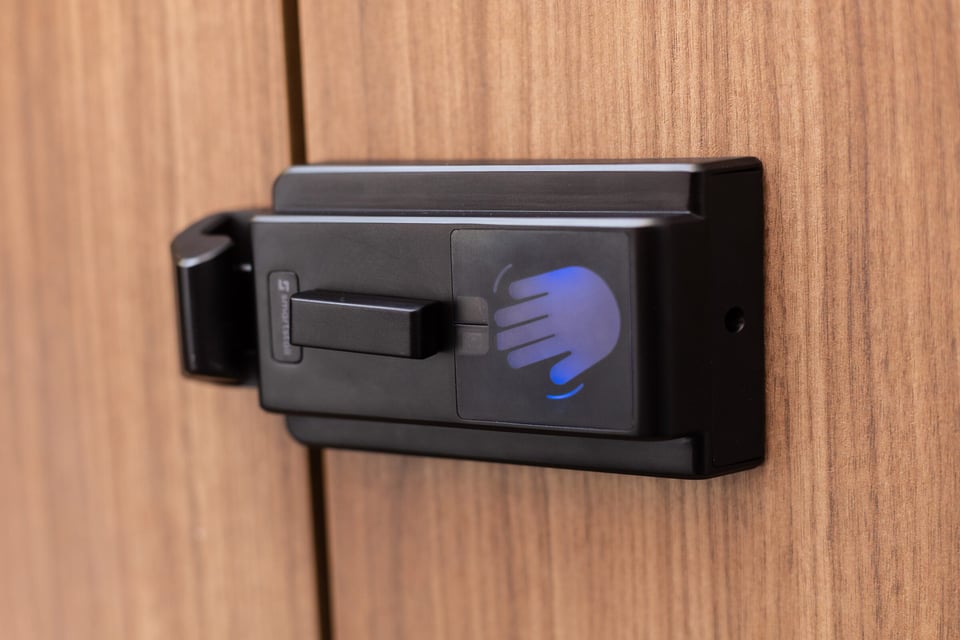
The stall latch is the last touchpoint left in a touchless restroom. Hy Lock locks and unlocks the door with a wave of the hand, shows occupied or vacant outside, and keeps a manual knob that works at all times.
Features
What Hy Lock Does
The sensor responds only to a hand moved deliberately into the sensing area, so stray motion inside the stall does not lock or unlock the door. It works only while the door is closed and caught.
Inside, a light shows blue when the door is caught, red when it is locked, and green as it releases. Outside, a red and white indicator shows occupied or vacant, a pairing that reads clearly for people with red-green color blindness.
On in-swing doors with gravity hinges set to rest partly open, the door swings open when the occupant waves to unlock, so the trip out of the stall has fewer shared touchpoints.
In-swing doors with hinges set to rest partly open only. Out-swing doors rest closed: the hinges close the door behind the occupant, and a push opens it on the way out. Accessible-stall doors rest closed and open by hand.
The knob locks and unlocks the door at all times, with or without batteries. The knob turns with one hand and under 5 lbf, without tight grasping, pinching, or twisting of the wrist, so manual operation meets 2010 ADA Standards Section 309.4.
Staff can release a locked door from outside with the supplied hex key. A blinking yellow light signals low batteries, and if they run out, Hy Lock works like a standard indicator latch: it holds its current state, the knob still locks and unlocks the door, and the indicator outside still shows occupied or vacant.
How It Works
Close, Wave, Leave
Hy Lock reads a deliberate wave inside the stall. The sequence depends on which way the door swings.
Close
Bump the door shut
The latch catches the door and holds it. The light inside turns blue.
Lock
Wave to lock
The latch locks and the light turns red. The indicator outside shows occupied.
Leave
Wave to unlock
The light turns green and the latch releases. On in-swing doors with gravity hinges set to rest partly open, the door swings open.
Close
Let the door close
Open the door with the arm pull and step in. The hinges close the door behind you, and the latch catches and holds it. The light inside turns blue.
Lock
Wave to lock
The latch locks and the light turns red. The indicator outside shows occupied.
Leave
Wave to unlock, then bump the door open
The light turns green and the latch releases. A push opens the door.
Ironwood Partitions
Hy Lock Works Best on Ironwood Partitions
Ironwood partitions are the compatible design named in the Hy Lock compatibility guide. Add Hy Lock to a partition quote and it ships with the stalls.
Compatibility
Will Hy Lock Fit Your Stalls?
Hy Lock fits new partitions and existing Ironwood stalls. A retrofit on another brand depends on the door material, hinges, current latch, and mounting, so an Ironwood specialist works out each one.
Accessible stalls. Accessible-stall doors rest closed, so Hy Lock unlocks them with a wave but does not swing them open. The manual knob meets 2010 ADA Standards Section 309.4. Confirm the adopted code and the authority having jurisdiction for each project.
Specify Hy Lock
Hy Lock Technical Details
Specifications, power, access, finishes, and installation for Hy Lock.
Product data
Hy Lock Specifications
Hy Lock is a surface-mounted indicator latch with a wave sensor and a manual knob. It mounts with through-bolts matched to the door thickness, and the keeper fastens to the pilaster.
Operation
| Property | Value |
|---|---|
| Operation | Wave sensor or manual knob |
| Door swing | In-swing or out-swing keeper; left- or right-hand mounting |
| Arm pull | Out-swing doors take an arm pull, specified with an Ironwood specialist |
| Indicator inside | Light: blue caught, red locked, green releasing |
| Indicator outside | Red and white occupied or vacant indicator |
| Hands-free timeouts | 45 seconds after closing to wave lock; 20 minutes of hands-free unlocking after a wave lock |
Power
| Property | Value |
|---|---|
| Power | 4 AA batteries, supplied separately |
| Battery life | Over one year, about 10,000 cycles, at 3 to 4 uses an hour, 8 hours a day, 7 days a week |
| Low battery | Blinking yellow light |
| Power loss | Works like a standard indicator latch: holds its current state, the manual knob locks and unlocks, and the indicator outside still shows occupied or vacant |
Access and safety
| Property | Value |
|---|---|
| US ADA force limit | 5 lbf (22.2 N); manual knob meets this limit |
| Accessibility | Manual operation meets 2010 ADA Standards Section 309.4 |
| Emergency release | Hex key from outside the stall |
Build
| Property | Value |
|---|---|
| Body size | About 5-1/8″ x 3″ x 2″ (130 x 77 x 47 mm) |
| Materials | Aluminum housing, glass-fiber reinforced ABS, tamper-proof fasteners |
| Door thickness | Through-bolts matched to the door thickness |
| Finishes | Satin Aluminum, Matte Black |
| Warranty | 2-year limited warranty |
| Patents | US 12,692,721; Australia, Europe, and Canada pending |
Power
Four AA Batteries, Over a Year of Use
Four AA batteries run Hy Lock for over one year, about 10,000 lock cycles, at 3 to 4 uses an hour, 8 hours a day, 7 days a week. The batteries are supplied separately, not in the kit. A blinking yellow light signals low batteries. If power runs out, Hy Lock works like a standard indicator latch: it holds its current state, the manual knob still locks and unlocks the door, and the indicator outside still shows occupied or vacant. There is no hardwired option.
Accessibility and safety
Manual Operation Meets 2010 ADA Standards
The manual knob works at all times. The knob turns with one hand and under 5 lbf, without tight grasping, pinching, or twisting of the wrist, so manual operation meets 2010 ADA Standards Section 309.4. Accessible-stall doors rest closed, so Hy Lock unlocks them with a wave but does not swing them open. The manual knob meets 2010 ADA Standards Section 309.4. Confirm the adopted code and the authority having jurisdiction for each project. Staff can release a locked door from outside with the supplied hex key.
Operation
Lights and Timeouts
If no one waves within 45 seconds of closing the door, hands-free operation turns off until the door opens again. After a wave lock, hands-free unlocking stays available for 20 minutes, then the knob takes over. Inside the stall, the light shows blue when the door is caught, red when it is locked, and green as it releases. Outside, a red and white indicator shows occupied or vacant.
The light inside the stall
| Light | Meaning |
|---|---|
| Blue | Door caught and held |
| Red | Locked |
| Green | Released |
| Blinking yellow | Batteries low |
Finishes
Two Finishes, One Complete Kit
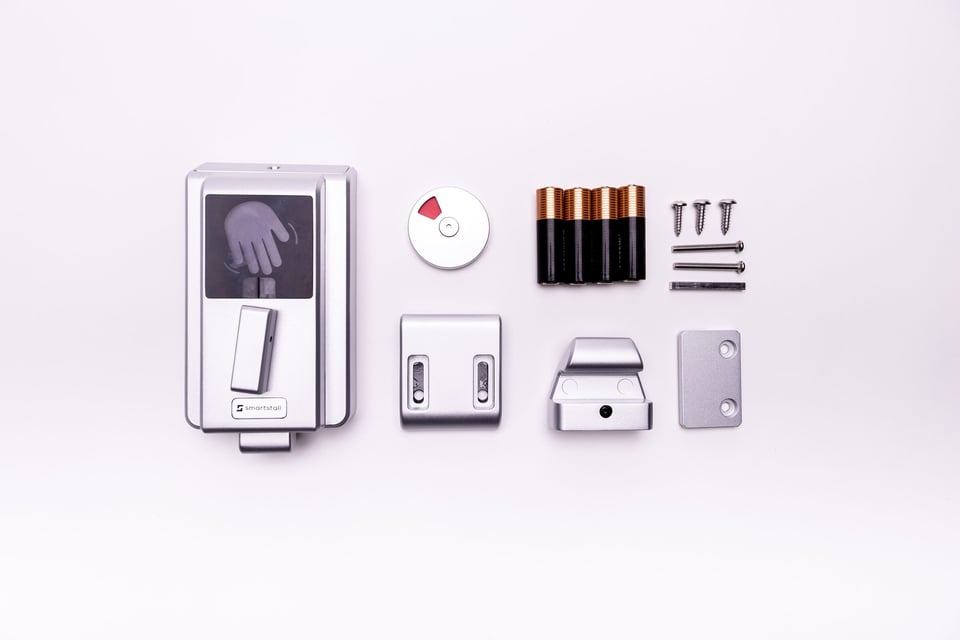
Hy Lock comes in Satin Aluminum and Matte Black. Each kit includes the hardware to install one door. Four AA batteries are supplied separately, and out-swing doors take an arm pull specified with an Ironwood specialist.
In the box
- Latch with wave sensor and manual knob
- In-swing or out-swing keeper
- Exterior occupied or vacant indicator
- Hex key for emergency release
- Square pin and two through-bolts
- Mounting screws, drilling template, and decal
- Door stop, where specified
Installation
Installing Hy Lock
Hy Lock mounts left- or right-hand on the inside face of the door with through-bolts matched to the door thickness, using the supplied drilling template. The keeper fastens to the pilaster, in its in-swing or out-swing version. For automatic opening, the hinges are set during installation so standard in-swing doors rest partly open; out-swing doors rest closed against the door stop, and accessible-stall doors rest closed. The installation manual covers the pre-checks and seven install steps.
Request a Hy Lock Quote
Tell us the finish, how many doors, and whether this is a retrofit. An Ironwood specialist replies with a quote for your project.
Reference
Hy Lock quote request received
What happens next
- A confirmation email with the reference number and your request details is on its way to .
- Ironwood sales will contact you within 2 business days.
- An Ironwood specialist contacts you to work out a retrofit solution for these stalls.
Common questions about Hy Lock

Cannot find the answer you are looking for? Our specialists are happy to help with Hy Lock questions.
Contact UsHy Lock works like a standard indicator latch when the batteries run out. It holds its current state, the manual knob locks and unlocks the door, and the indicator outside still shows occupied or vacant. A blinking yellow light signals low batteries ahead of time. Four AA batteries run Hy Lock for over one year, about 10,000 lock cycles, at 3 to 4 uses an hour, 8 hours a day, 7 days a week.
No. The knob inside unlocks the door at all times, with or without power. From outside, staff can release a locked door with the supplied hex key.
Accessible-stall doors rest closed, so Hy Lock unlocks them with a wave but does not swing them open. The manual knob meets 2010 ADA Standards Section 309.4. Confirm the adopted code and the authority having jurisdiction for each project.
- Hy Lock fits new partitions and existing Ironwood stalls. Partitions from other manufacturers vary in hardware, hole patterns, and door construction. Retrofit kits for common situations are in development. Until they ship, an Ironwood specialist works out a solution for each retrofit as part of the quote. Hands-free toilet partitions compares Hy Lock with other hands-free stall approaches.
No. The wave sensor faces into the stall and works only while the door is closed and caught. From outside, a locked door opens with the hex-key emergency release.
No. SmartStall makes Hy Lock, and Ironwood is its exclusive distributor in the United States and Canada. Partition manufacturers, distributors, installers, contractors, and building owners in both countries buy Hy Lock through Ironwood.
Request a quote on this page. Quotes cover the complete kit for each door, in your finish and quantity. Volume and trade pricing are available on request. Buyers in the United States and Canada order through Ironwood.
Resources
Hy Lock Documents
The brochure, tech data, compatibility guide, installation manual and video, accessibility data, and CSI specification text.
- PDF
Brochure
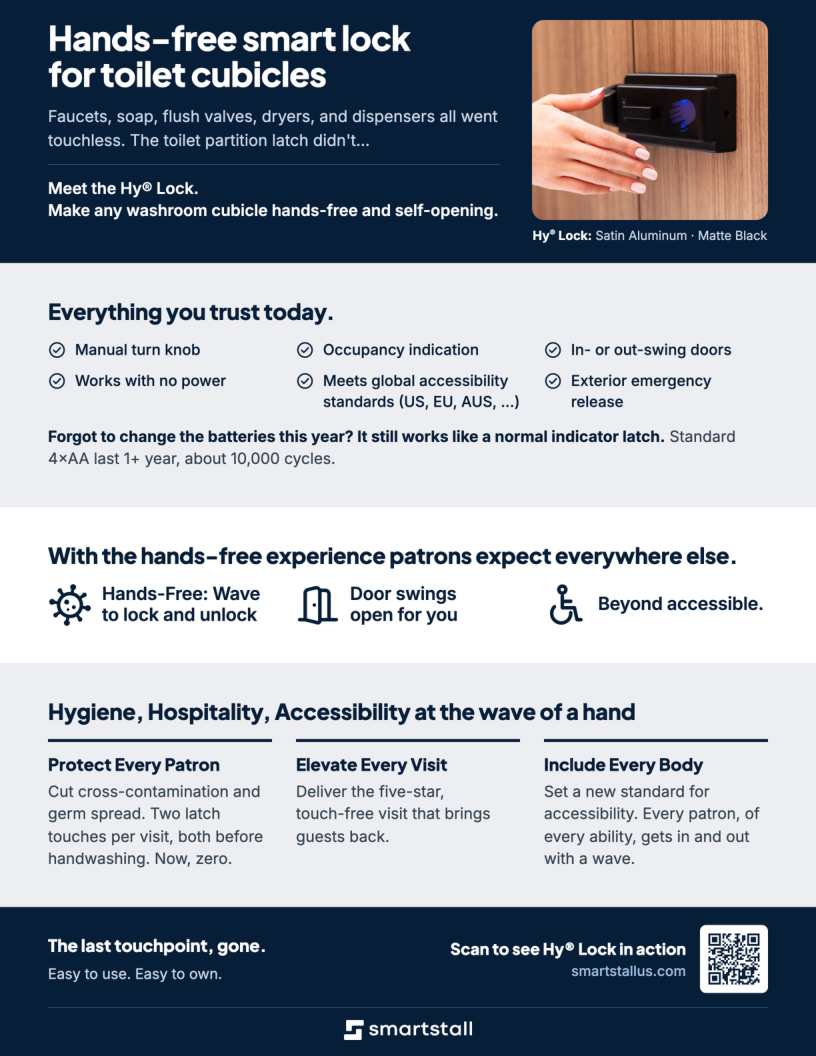
One-page overview of Hy Lock
- PDF
Tech Data Sheet
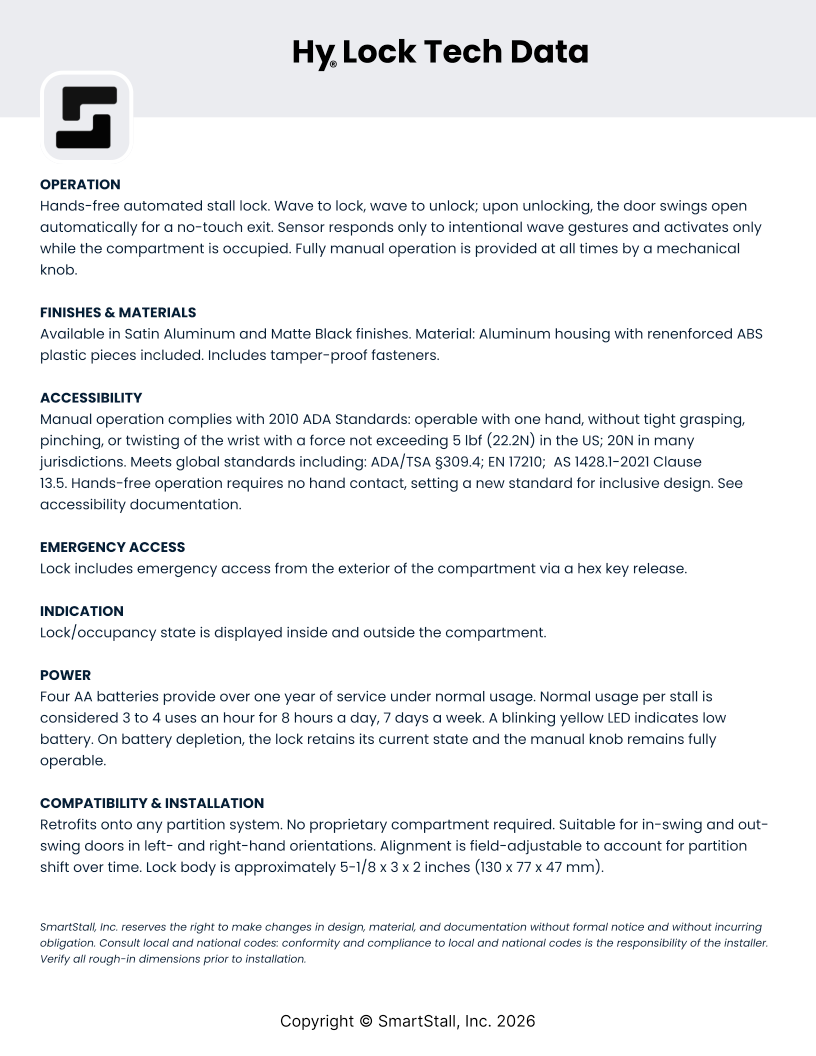
Operation, power, dimensions, and finishes
- PDF
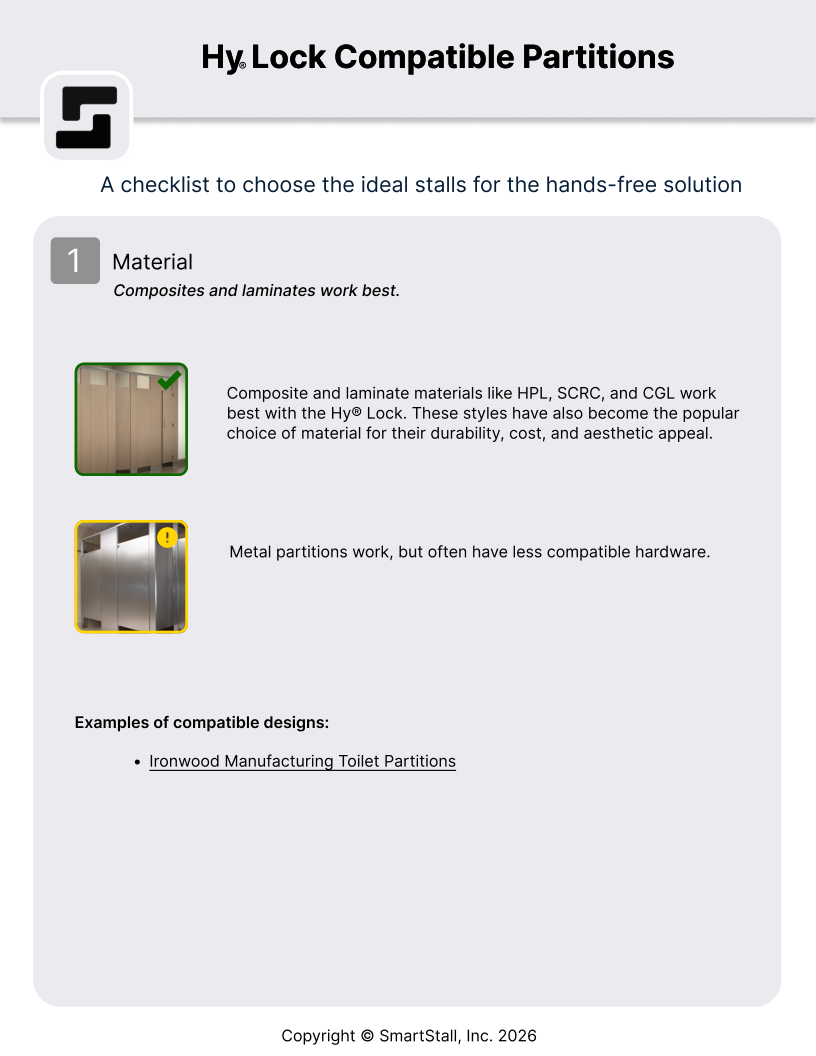
Compatibility Guide
Material, hinge, latch, and mounting checklist
- PDF
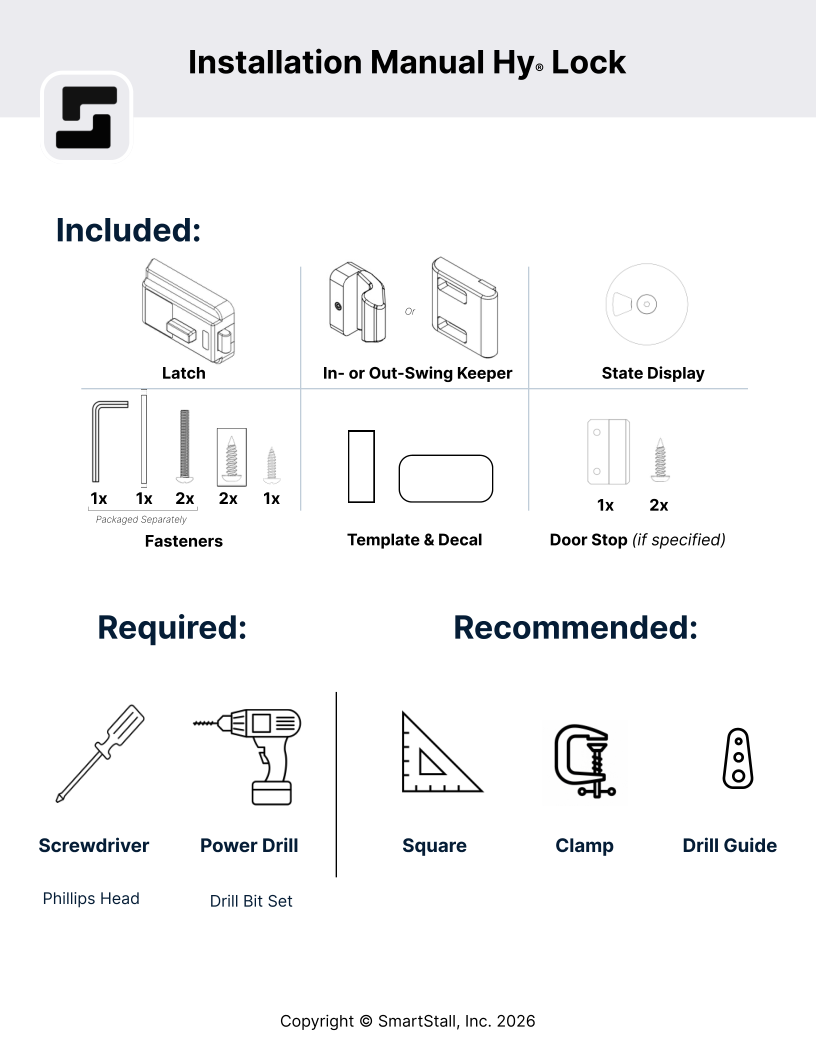
Installation Manual
Kit contents, pre-checks, and installation steps
- PDF
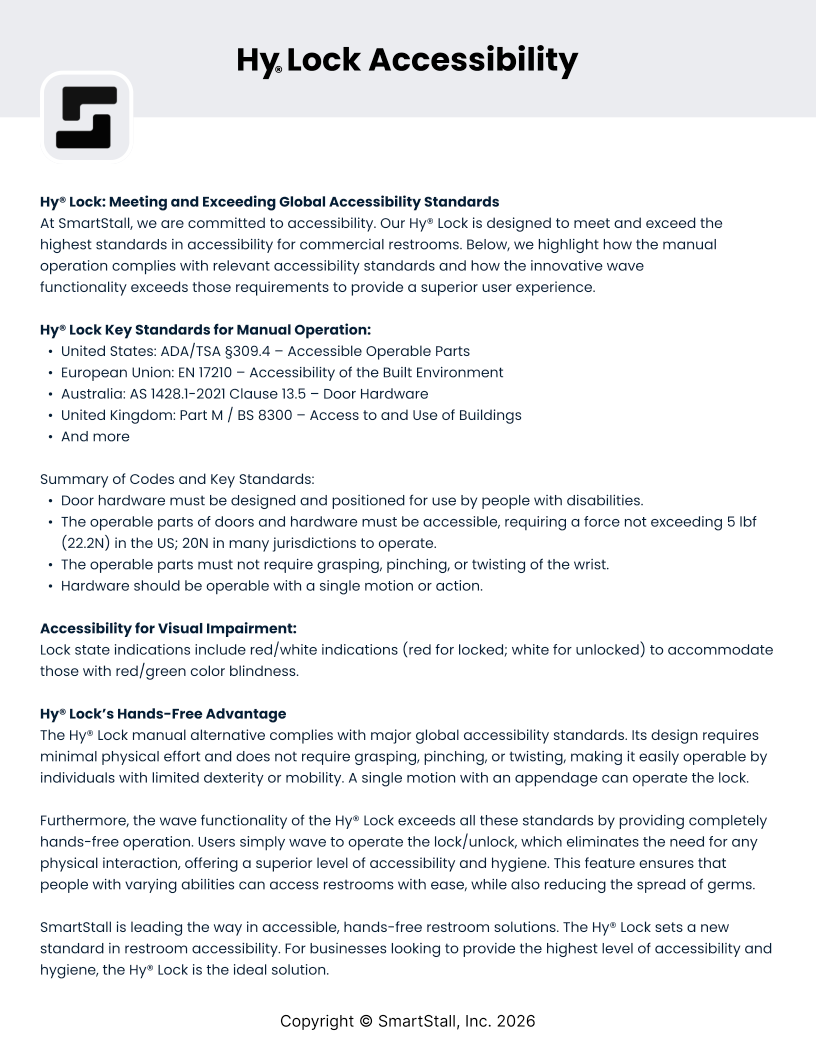
Accessibility Data
Operating force and accessibility standards
- DOCX
CSI Spec Insert, New Partitions
One paragraph for Section 10 21 13
- DOCX
CSI Guide Spec, Existing Partitions
Three-part retrofit specification
- Video
Installation Video
Step-by-step installation on YouTube